
Resort Hub
Track money, reputation, satisfaction, and popularity. Advance day-by-day through changing seasons.


Resort tycoon simulation
Start with a single pool and grow into a world-class water resort. Balance thrills, comfort, safety, and service — then expand across the globe.


Inside the park
Explore six themed hubs — each built with the same vibrant art direction you see in the app.
Track money, reputation, satisfaction, and popularity. Advance day-by-day through changing seasons.
Build slides, pools, and thrill rides — from lazy rivers to free-fall towers.
Unlock new sectors, place infrastructure, and shape the layout of your aqua kingdom.

Hire lifeguards, maintain water quality, and respond to park alerts before they escalate.
Launch marketing campaigns, host seasonal events, and invest in new technology.
Open hotel complexes, SPA zones, and global resort locations for multi-day revenue.
How it works
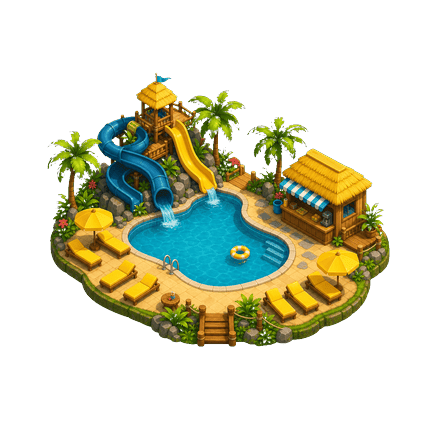
Start with a single pool and grow into a world-class water resort.
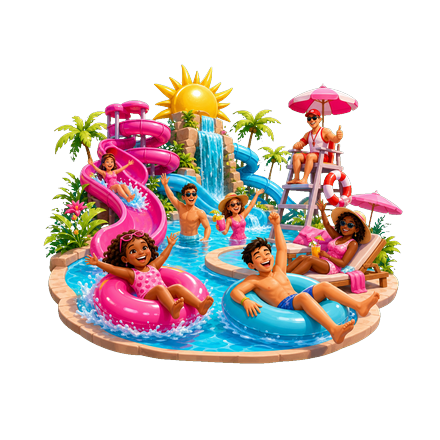
Balance thrills, comfort, safety, and service to keep satisfaction high.
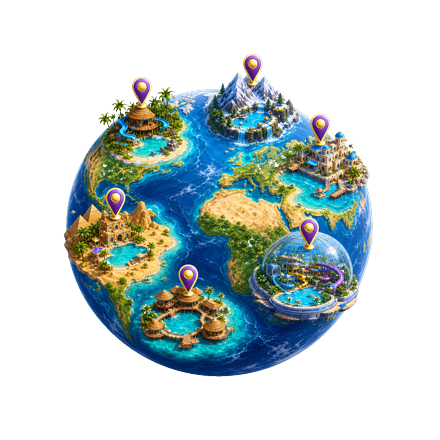
Unlock new zones, host epic events, and open resorts worldwide.
Your data
Water Park Builder (“the App”) is an offline resort simulation game developed for iOS. We designed the App to work without creating an account and without collecting personal data on our servers.
Your park progress, settings, and optional marketing portfolio (photos and videos you choose to add) are saved locally on your iPhone or iPad using on-device storage. You can reset progress at any time from Settings inside the App.
The App may request the following permissions only when you use related features:
Permissions are optional. Denying them limits portfolio features but does not affect core gameplay.
The App does not knowingly collect personal information from children. Portfolio media you add stays on your device under your control.
We may update this Privacy Policy when the App changes. The effective date at the top of this page will reflect the latest revision.
Questions about privacy? Email support@waterparkbuilder.app.
Need a lifeguard?
We’re here to help you get back to building the ultimate water resort.
For bug reports, feature requests, or general questions:
support@waterparkbuilder.appWe typically respond within 2 business days.
No. Water Park Builder is fully playable offline. An internet connection is not required for gameplay.
Open Settings from the Resort Hub (gear icon) and tap “Reset Progress.” This permanently deletes local save data.
Only for the optional Marketing Portfolio feature — to capture or import photos and video tours of your park. Core simulation does not need these permissions.
English, Ukrainian, Russian, German, French, Portuguese (Brazil), Arabic, and Hindi. Change language anytime in Settings.
Water Park Builder runs on iPhone and iPad with iOS 16 or later.